
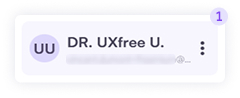
1. Click the profile card at the bottom left of the screen.
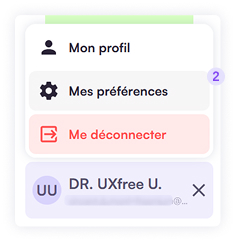
2. Choose My Preferences from the submenu.
3. Each line corresponds to a type of e‑mail notification you may receive.

Some notifications are mandatory to ensure proper project tracking.
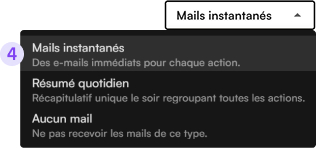
4. Use the dropdown on the right to set your preference for each notification type:
- Instant e‑mail,
- Daily summary,
- or None.
5. After adjusting each line, click Save.
