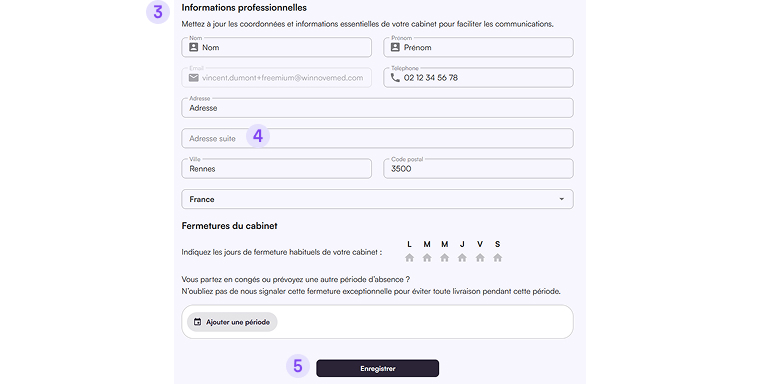
1. Click the profile card at the bottom left of the screen (your account area).
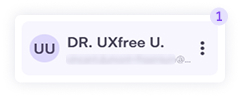
ou can also Log Out of iForm from here.
2. Select My Account from the menu.
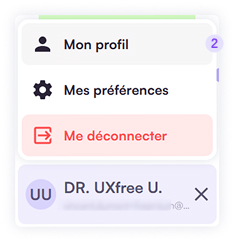
3. Review the practice key information in the form and edit any fields that need updating.
4. Complete your postal address to ensure correct parcel delivery. A door code can be entered in the Address Line 2 field.
5. Click Save to apply your changes.