
1. Open the prescription by clicking the project row.

2. Then click View  in the bottom‑right side panel.

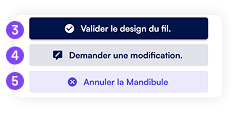
Three options are available:
3. Approve Wire Design  – launches production.
4. Request Modification – lets you specify revisions.
5. Cancel…
– deletes the current design version.
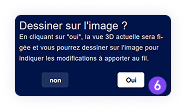
Want to draw directly on the image?
6. Click Yes to annotate the design, or No to just submit a textual request (skip to step 9).
7. Use the mouse to draw in red, green, or blue directly on the retainer design screenshot.

8. Click Continue.

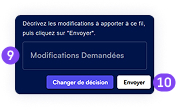
9.Describe your modification request with as much detail as possible.
10. Click Send.
If there is a risk of contact, our technicians may submit the project for validation even without a prior request, so the doctor can review and approve the design.