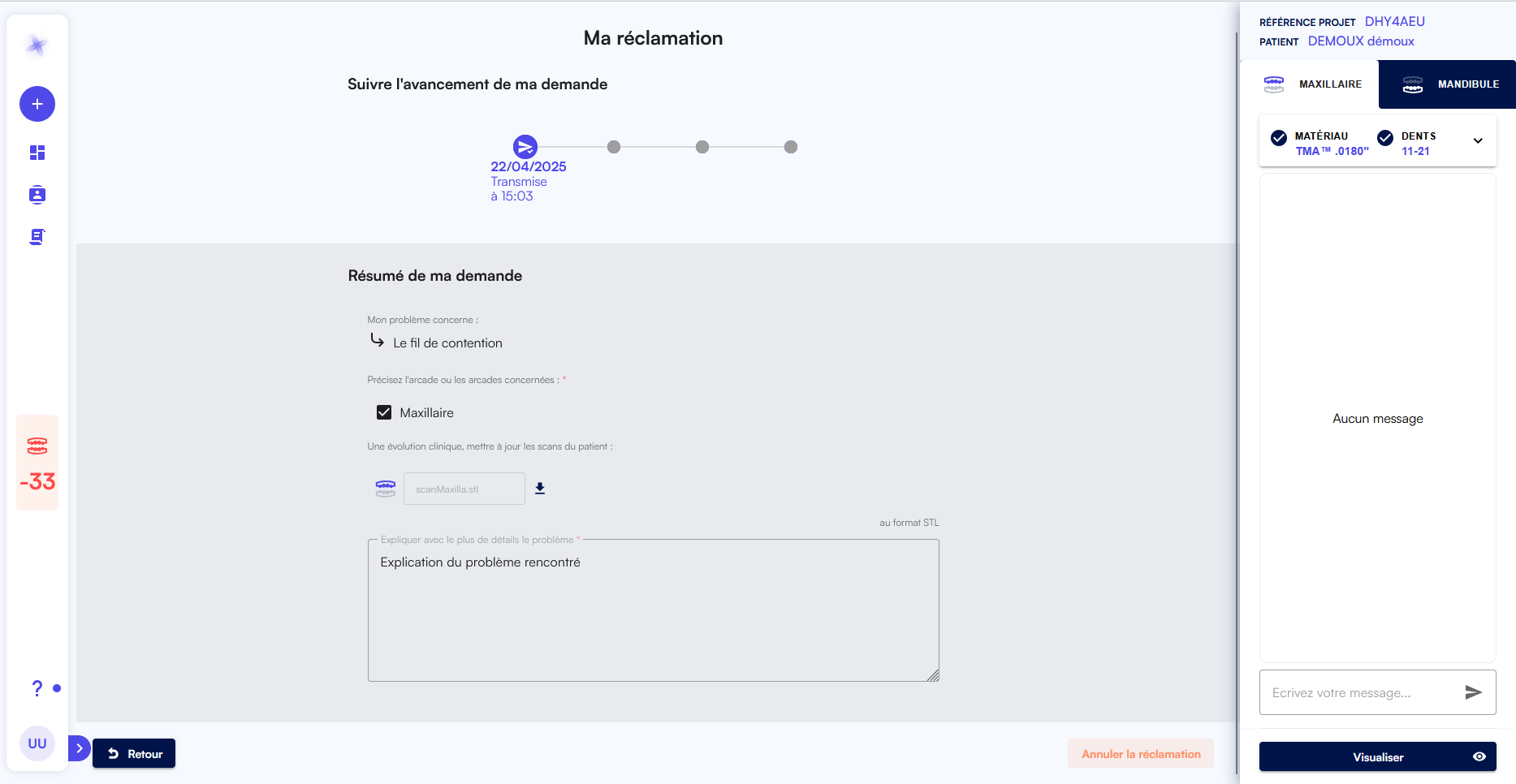
You can file a claim once the project status is Shipped or Delivered. Click the project row.
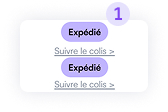
2.Then click Resolve My Issue at the bottom of the right‑hand side panel.
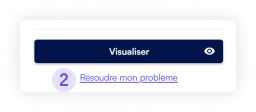
3. Choose one of the four problem types; a form will expand on the right.
4. Select the affected archs.
5. Upload updated patient scans.
6. Provide a detailed description of the problem (as much as you can).
7. Attach supporting photos.
8. Click Send.
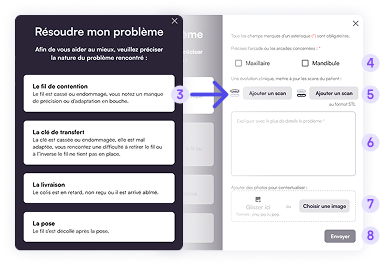
9. Claim status flow:
-  Submitted – your claim has been sent.
- Assigned – a team member has taken ownership.
-  In Progress – the claim is being processed.
- Resolved – the claim has been handled and closed.

10. The claim will progress along the project line. Click View Details for more information on your claim.

The detailed claim page shows:
- Claim processing progress
- Information you submitted (read‑only)
- Messaging area to communicate with the assigned team member
- Option to withdraw the claim