Why is my project blocked by the production team?
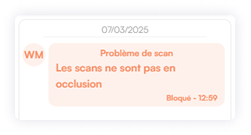
Possible reasons: jaw not in occlusion, existing retainer, presence of spacers, risk of contact...
1. From the My Projects dashboard, click the project row,

2. Then click View in the bottom‑right side panel

You now have two options: unlock the affected arch or cancel the project:
3. Click Unlock for the selected tab (Upper Maxilla or Lower Mandible)
4. Provide your instructions to unlock the project and add a new delivery date.
5. Click Unlock.
In this message, depending on the context, you can request that the project be sent to production anyway (request to remove the spacers or an existing retainer digitally, request for production despite the risk of contact).
Please note that if you unlock the project, there is a risk of retainer detachment.
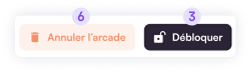
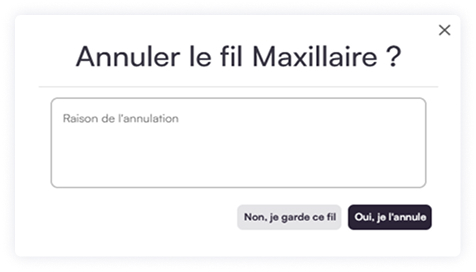
6. Click Cancel…  to remove the project in question. A confirmation dialog will ask you to state a reason and then click Yes, cancel it.